If you have lost or changed your mobile phone, please follow these steps to delink the existing 2FA device and relink your new device.
If you do not have the complete information below or receive an error message during the process, please contact our support team for assistance
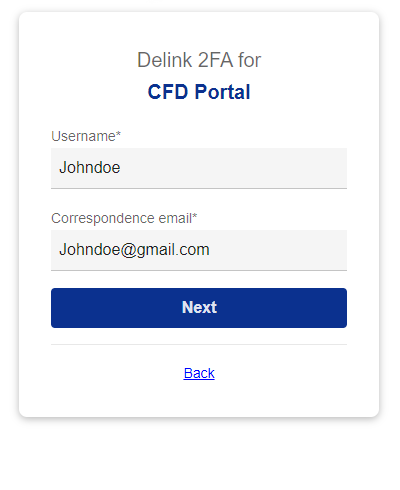
• Username
• Correspondence email
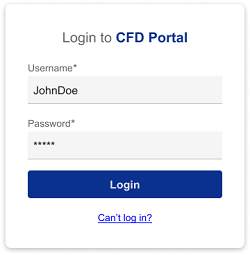
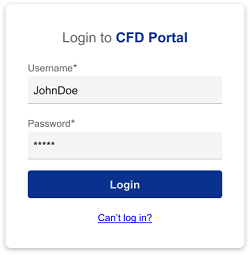
Go to CFD Portal Login page and click on Can’t log in?
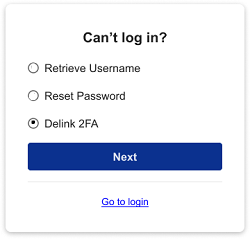
Select option "Delink 2FA"
Input required details on Delink 2FA screen
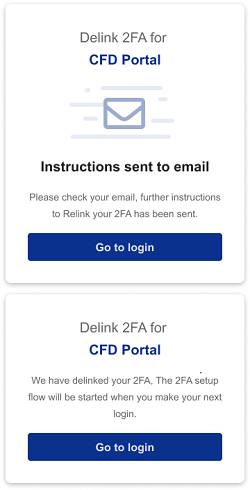
Check your email and click on link to complete delink of 2FA device
Login & link your new device. Refer to "Set up Two Factor Authentication for more details"