TWO FACTOR AUTHENTICATION
Upon successfully delinking your 2FA, the next login will require you to relink your 2FA with your CFD Portal ID
1
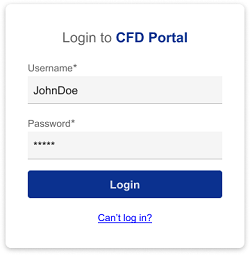
Log into CFD Portal using your Username and Password created at time of registration
2
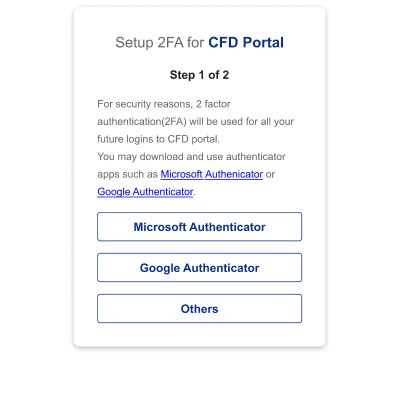
Select your preferred authenticator app
3
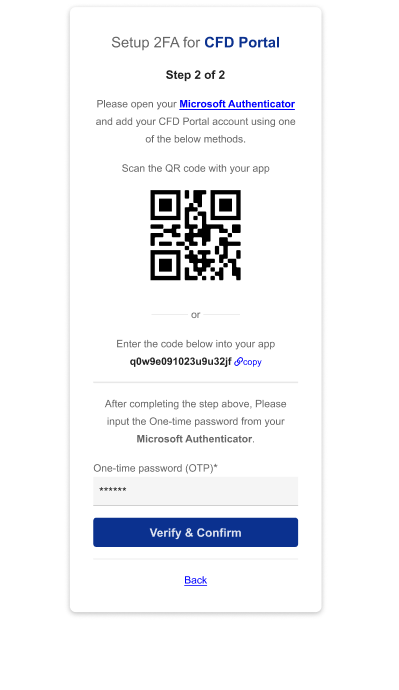
Scan QR code to link your Authenticator app on your mobile phone to your CFD Portal ID
4
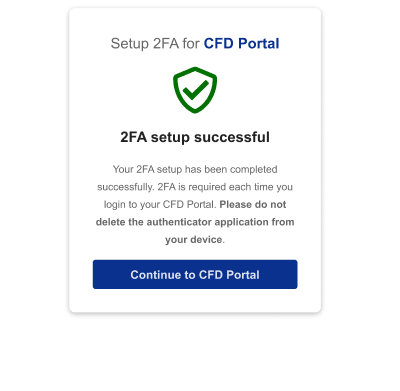
2FA Set up is completed and you can immediately login to your CFD Portal